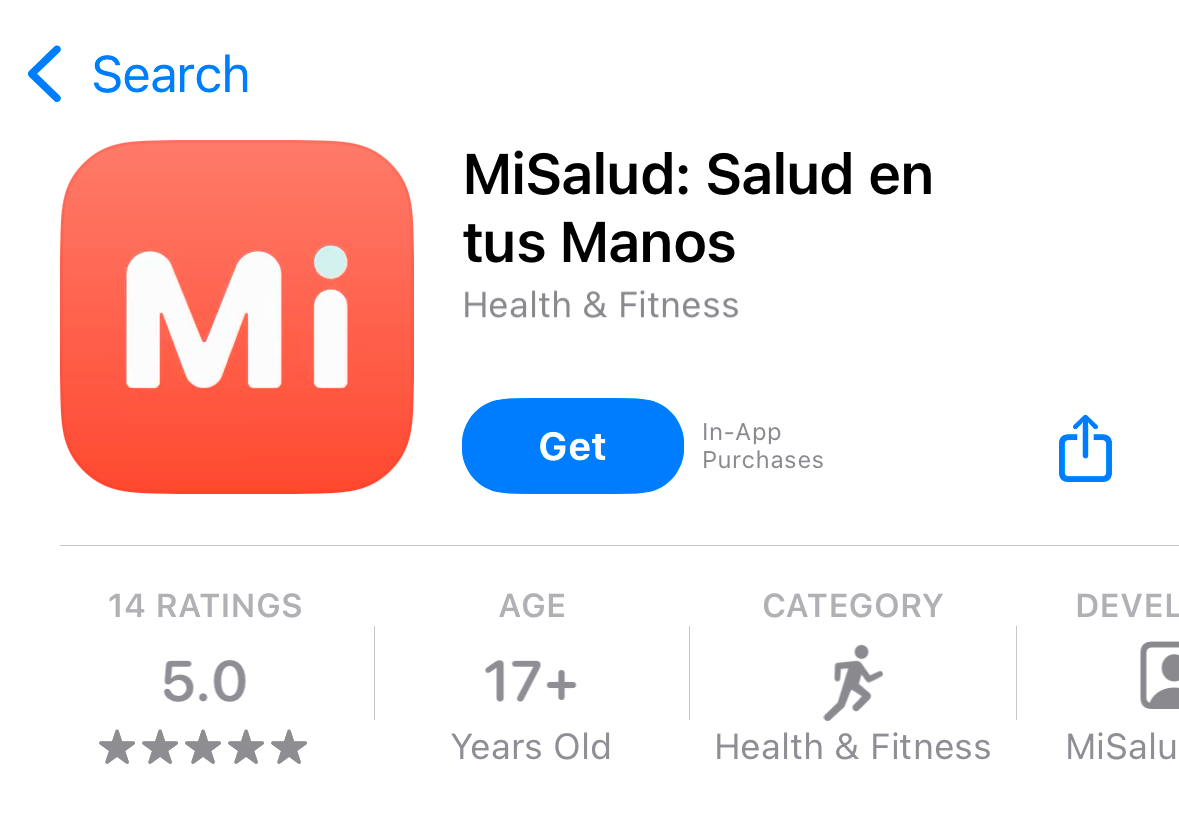
Download the app MiSalud: Salud en tus Manos from the Google Store or App Store
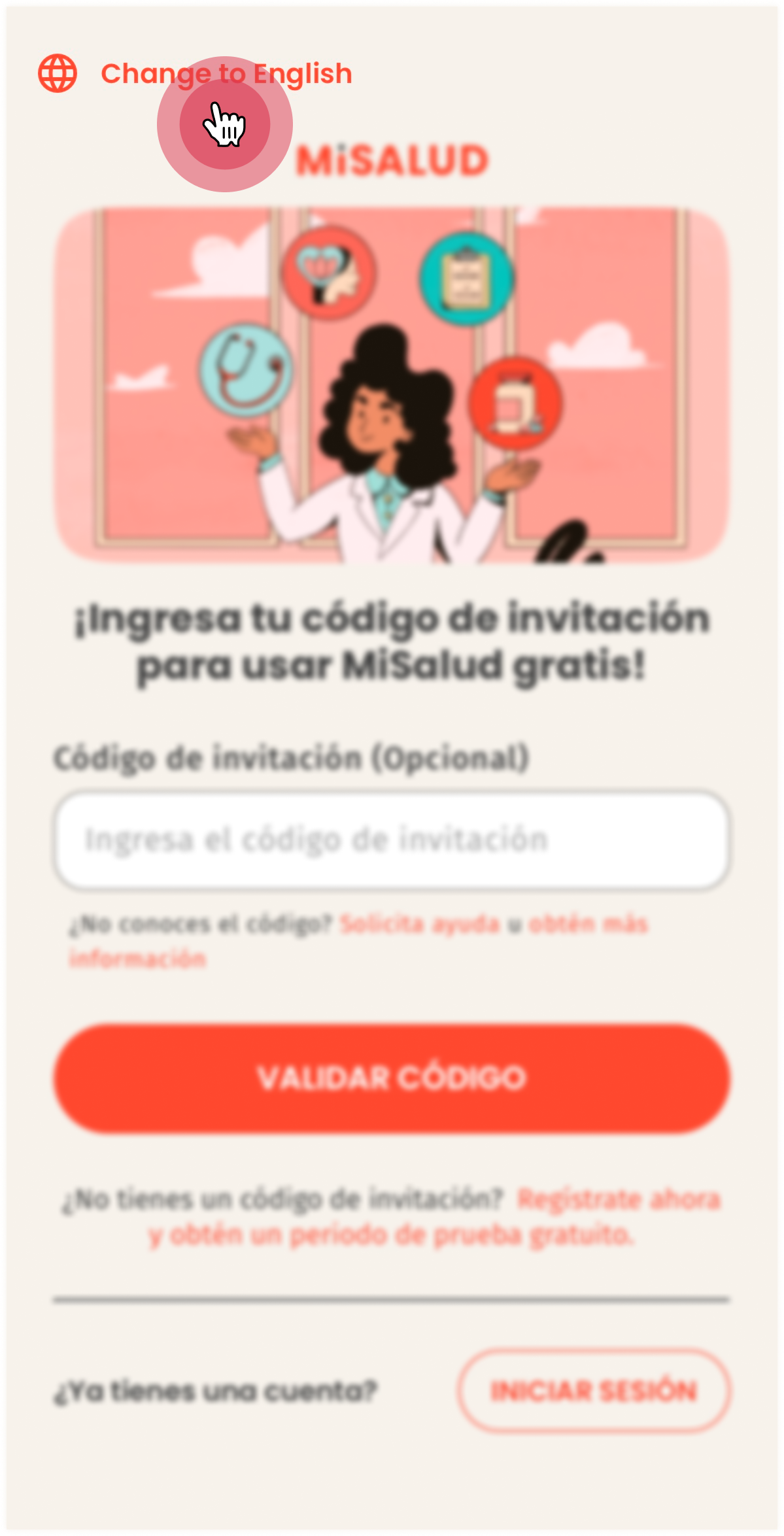
Change language to English.
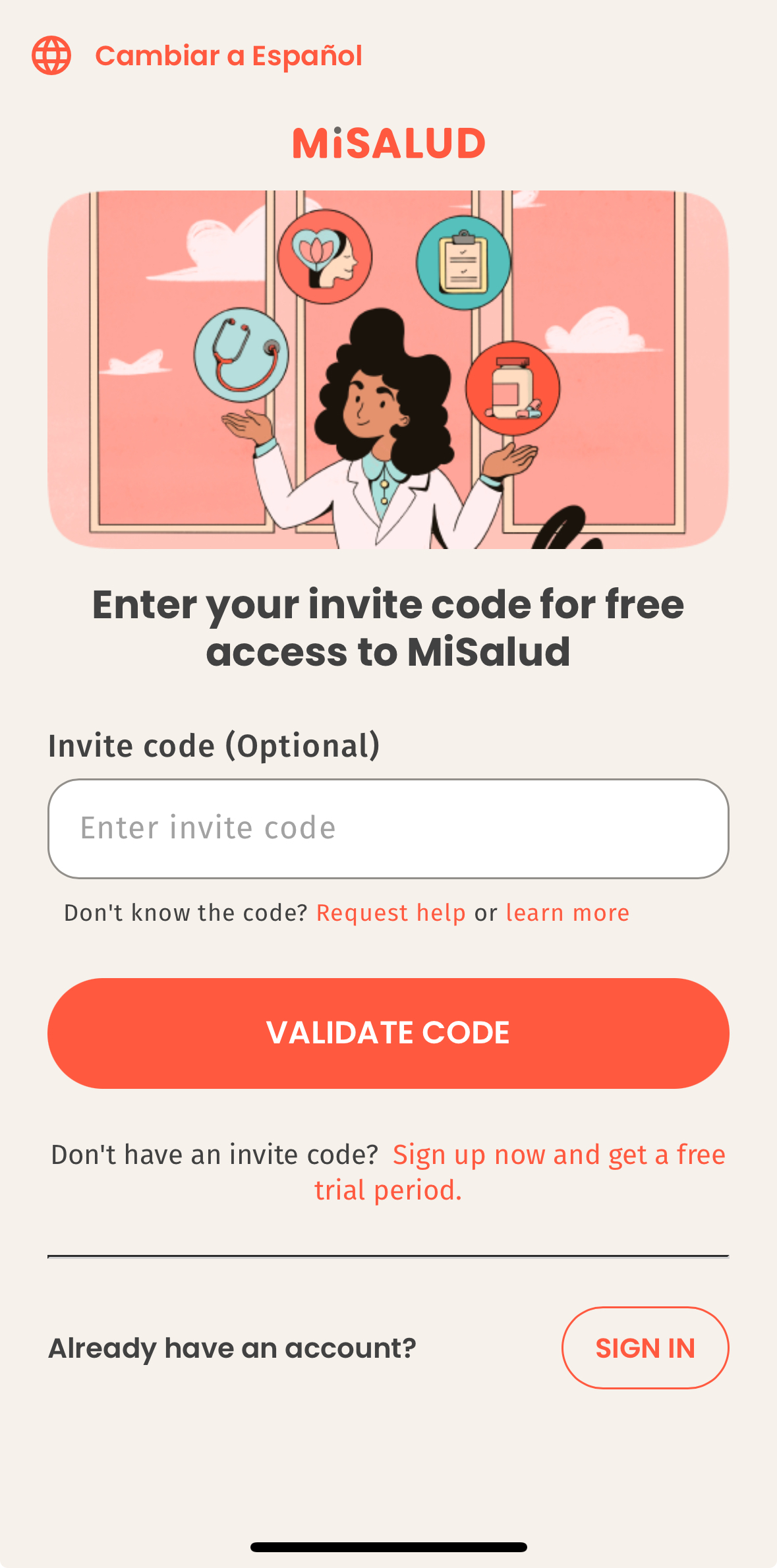
Enter the invitation code and select “Validate Code”
Confirm your employer
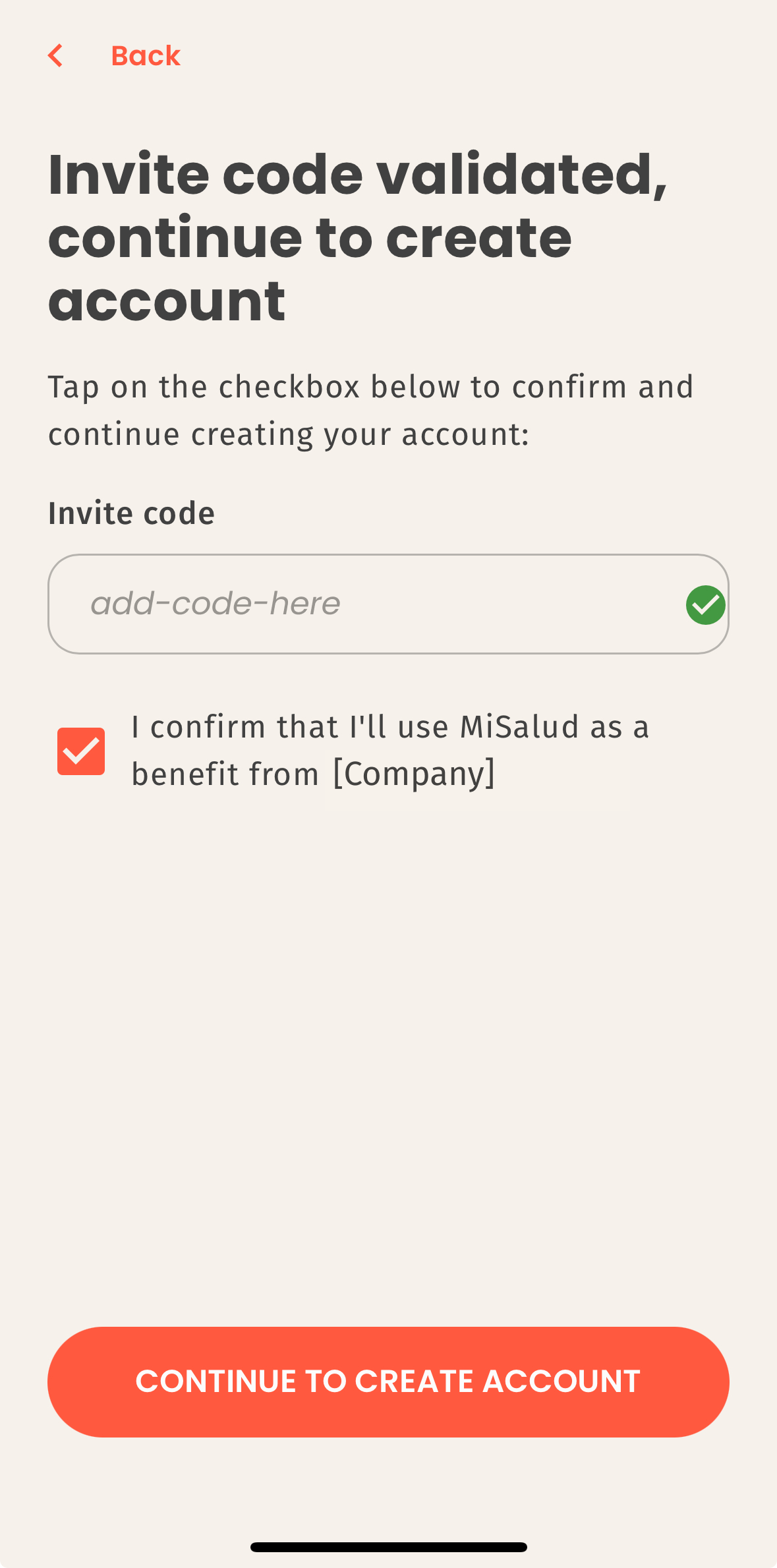
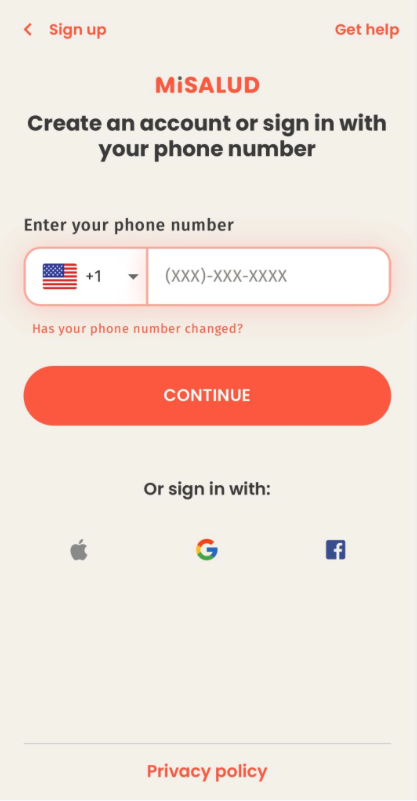
It's time to create your account: Enter your phone number with area code
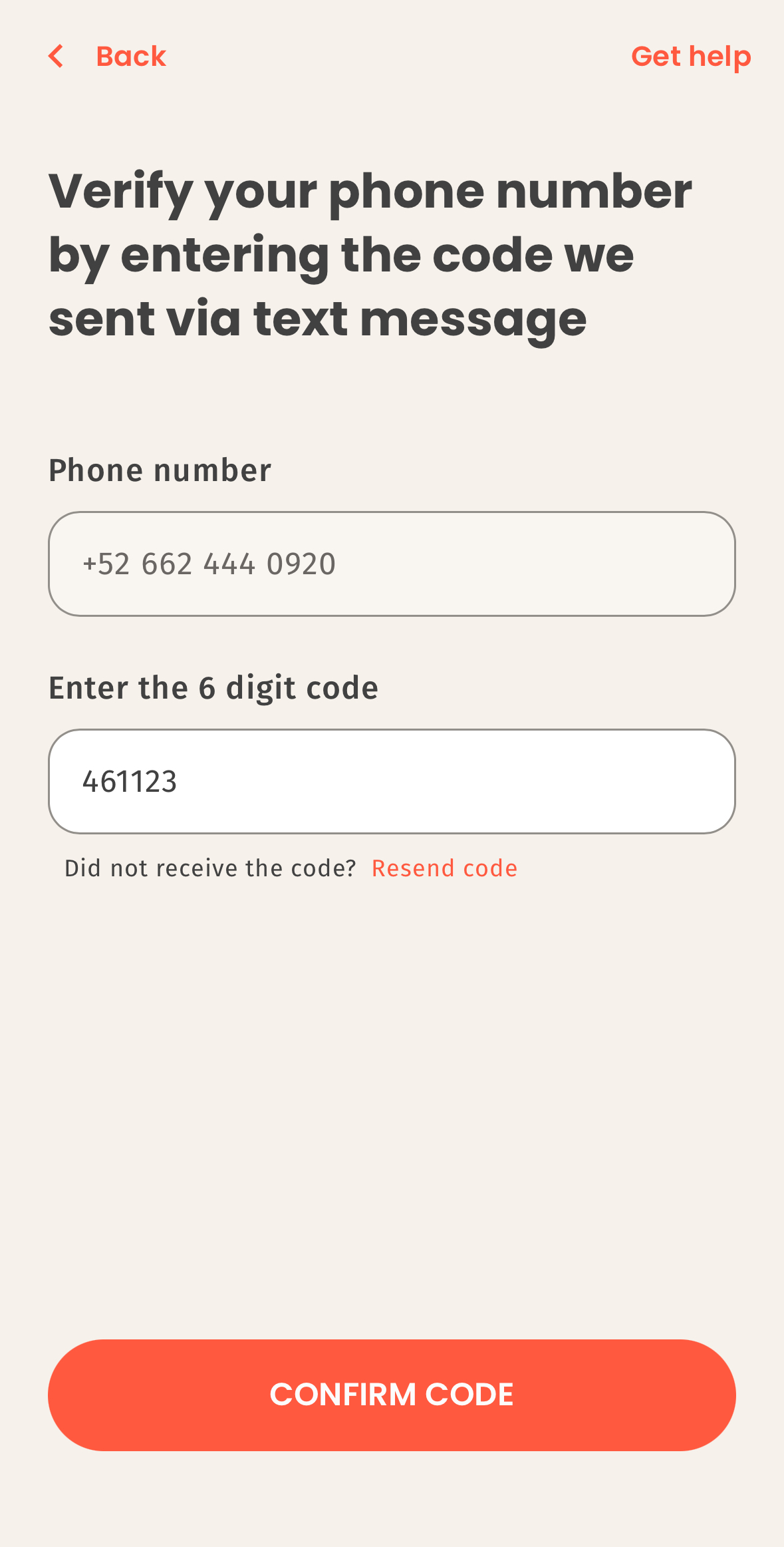
You will receive a text message with a 6-digit code. Enter and select "Confirm Code".
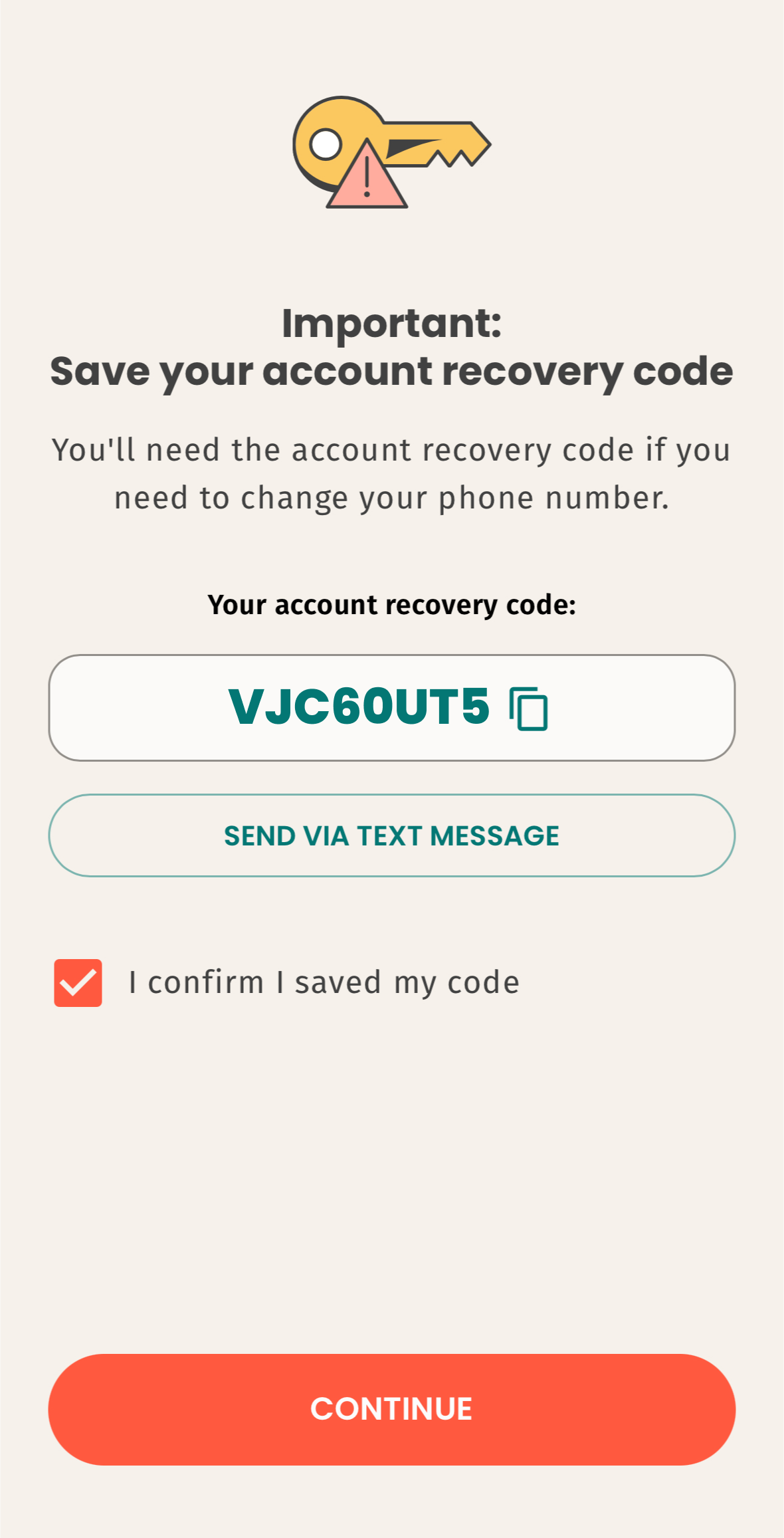
Save your recovery code. You will need it if one day you decide to change your phone number.
Your health and mental wellness information is private to you and never shared with anyone else, per US health privacy regulations.